How to Build a Checkout Funnel in GA4
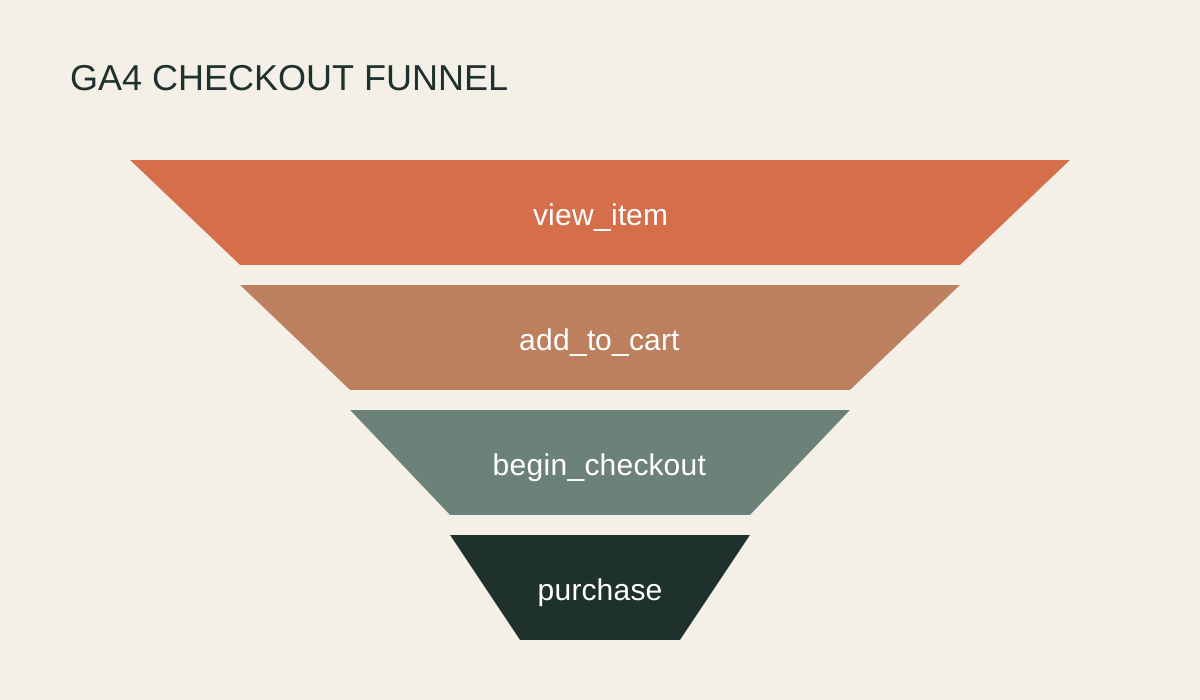
A checkout funnel shows where customers leave between viewing a product and buying. GA4 can build this from ecommerce events, but the funnel is only useful if those events fire consistently and the steps use the same definitions across reporting periods.
Build the funnel in Explore
- Check the events first. In GA4, confirm
view_item,add_to_cart,begin_checkoutandpurchaseare being received. Inspect parameters in DebugView before building the report. - Open Explore. Create a new Funnel exploration, name it clearly and set the date range. Start without segments so you can validate the overall totals.
- Add the steps. Create one step for each event in order: view_item, add_to_cart, begin_checkout and purchase. Use the event name condition and label the step in plain English.
- Choose an open or closed funnel. A closed funnel requires users to enter at the first step. An open funnel allows entry at later stages. Use closed when analysing the full product journey and document the choice.
- Set direct or indirect progression. Indirect progression allows other events between steps, which is normally more realistic for ecommerce. Add time limits only if they answer a specific question.
- Add breakdowns. Test Device category, Session default channel group or Country one at a time. Check that small samples are not driving dramatic percentages.
- Read both completion and abandonment. Record the number and rate moving between each pair of steps. A weak add-to-cart rate suggests a product-page issue, while a strong checkout start and weak purchase rate points further down the journey.
Validate the funnel
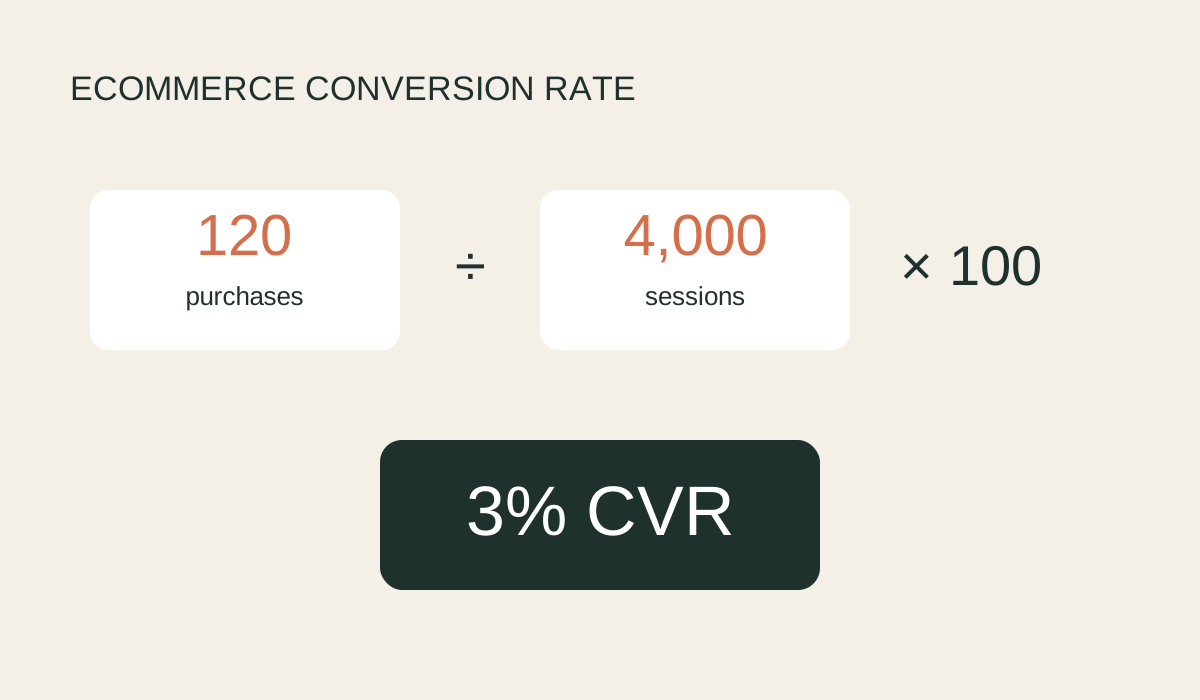
Compare purchase totals with Shopify for the same timezone and period, then compare event volumes with GA4 standard reports. Funnel users will not equal raw event counts because one person can trigger events more than once.
Do not call every drop-off a website fault. Stock, payment methods, shipping costs, tracking gaps and low-quality acquisition can all change the shape. Use the funnel to locate the problem, then investigate the relevant pages and sessions.
Verification notes
GA4's standard Purchase journey is closed by default and uses session start, view_item, add_to_cart, begin_checkout and purchase. If the implementation misses a step, users can disappear from later steps even when they bought, so validate events in DebugView before interpreting drop-off.
Source checked
This guide was checked against GA4 purchase journey documentation.

Olivia Robinson
After arriving at a fork in the road in my career I decided to take the plunge and wander purposefully, with determination, into the maelstrom of consultancy in online sales. It's been the most exciting decision I've ever made and I've been able to work with some of the most interesting brands the UK has to offer. I specialise in the intersection of ecommerce and marketing, the part of the Venn diagram that eCommerce & Marketing people don't like to occupy because it takes a lot of plate spinning - this is where I thrive.
We will happily conduct a free, no-obligation audit on your digital channels, with several key takeaways you can action yourself or request for us to assist you with. It's completey free for now but it is a limited time offer.
Explore more blogs